Recast motion and swap elements in footage you own.
Take the motion from a source video and recast it with your own cast, location and product, or swap one element and leave the rest exactly as filmed. One source of 4 to 30 seconds, ordered references, 480p to 1080p.
Take the motion from a source video and recast it with your own cast, location and product. Anything you do not describe stays exactly as filmed. Five creative directions to start from: Style, Wardrobe, Setting, Product, Recast.
A product, a garment, an object. Name what to replace; motion, lighting and framing stay as filmed.
Nothing is fetched from a URL at generation time and nothing is re-encoded on the way in. Header bytes are read; pixels are never touched. Pull the start or end frame as a PNG.
Original and result side by side, locked to the same clock. Seek and speed apply to both sides; download the original bytes.
Copied into private storage on completion. Recreate any take with the same inputs, or hand it to Edit & Sound or to upscale.
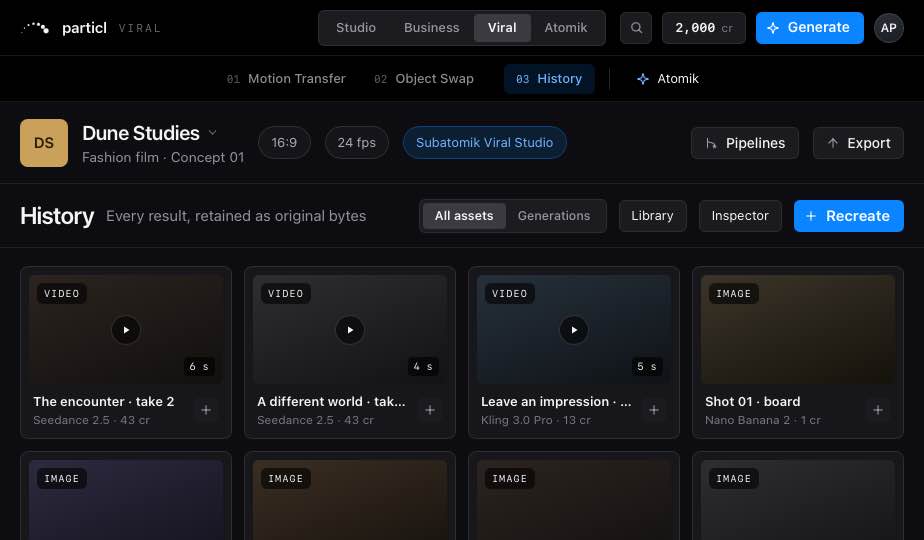
One room. One composer.
Every tool is a preset that opens the same composer. Assets are visible and draggable on every page.
The same room on every page.
Library on the left, Inspector on the right, one composer, one prompt enhancer. Every card is a button; nothing dead-ends in a toast.
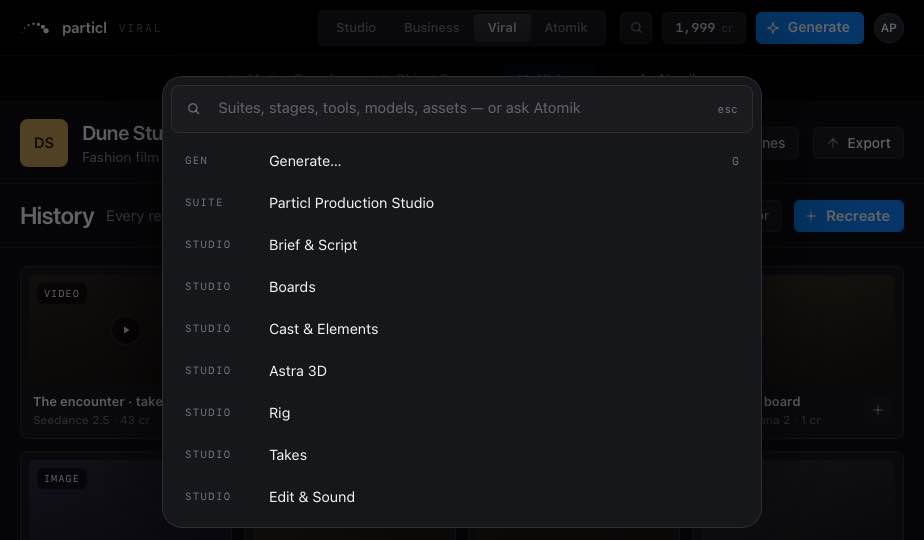
Recent projects, saved projects, a new one. A project is one brief and one cast across every suite; switching suites waits for pending saves.
Generate, suites, every page, Workspace, models, assets and “Ask Atomik: …”. Enter runs the top hit.
On every stage. Every tile drags onto any reference well or Rig node. Download original is always the original bytes.
Controls, Inputs and Versions for whatever is selected: asset, take, run, node, item or stage.
Copy, cut, paste, duplicate, move to, retry, and a 20-deep undo.
One provider, chosen in Workspace › General. Never on raw: prompts.
The same room, one hand.
Home · Workflow · Canvas · Takes · Edit in a glass tab bar, stage sheets that pull up over the work. Every tap target is at least 44 px.
Credits, not seats.
1 credit = US$0.80. Plans differ on credits and features, never headcount.
Invite-only, built for small teams.
A stranger with an invite gets from email to first render in five minutes. Invites are one-time links, sent by a person.
Already invited? Sign in