The production agent. Plans and runs the work.
Describe the outcome; the agent plans it against this project and waits for you.
Describe the outcome. Approve each step.
The agent reads the brief, script, direction and shot list, plus the references you select: uploaded text, images, and three sampled frames per video, six visuals at most. PDFs, audio and links count as descriptions only, and no URL is ever fetched. Its actions go to Rig as editable nodes.
Draft the opening of Dune Studies: script from the brief, six boards, four identity renders and one hero take.
- Draft script from the brief · 3 scenes
- Six board frames · Nano Banana 2 · 512
- Four identity renders · Cast
- Hero take · Seedance 2.5 · 5 s · 1080p
Plain-language planning against the saved project and the references you select. Pictures and text files dropped in are filed on the project. Its actions land on Rig as editable nodes.
Director, DOP, Production designer, Costume stylist, Editor, Producer and Continuity supervisor in one room. Each round they propose, challenge one another, and the chair converges three solutions.
A production run is durable. Close the tab, reload or lose the connection: it keeps its place and its approved attempts, and recovery never re-dispatches.
Every saved run keeps its plan: same stages, same inputs, same engines.
The plan: describe a tool and the agent builds it, with interface, data, sign-in and generation models wired in. There is no build service yet.
What the agent reaches, and where each runs: Particl’s own engines, sound and 3D. A token and Particl’s own MCP server bring its tools into Claude or ChatGPT.
Claude, OpenAI and Grok planners from the live catalogue, with reasoning effort and a Quick, Considered or Deep answer. Engines clamp ratio, resolution, duration and audio to what they accept; an unavailable model is never swapped silently.
Saved plans that rerun exactly.
Every saved run keeps its plan. Save one as a file to keep it.
Six Nano Banana 2 stills at 512 from the script, a human pick, then a 5-second 1080p Seedance 2.5 take with audio from the chosen frame, laid on a timeline.
One prompt from the brief, four 5-second Seedance 2.0 takes at 1080p, approved once, then a human checkpoint keeps the best.
A Nano Banana Pro keyframe, a 5-second Kling 3.0 Pro take from it, a music cue written from the brief, and a timeline with the cue as its soundtrack.
A spoken line from the script in an Eleven v3 voice, a 5-second take to carry it, and a timeline with the line as its soundtrack.
One room. One composer.
Every tool is a preset that opens the same composer. Assets are visible and draggable on every page.
The same room on every page.
Library on the left, Inspector on the right, one composer, one prompt enhancer. Every card is a button; nothing dead-ends in a toast.
Recent projects, saved projects, a new one. A project is one brief and one cast across every suite; switching suites waits for pending saves.
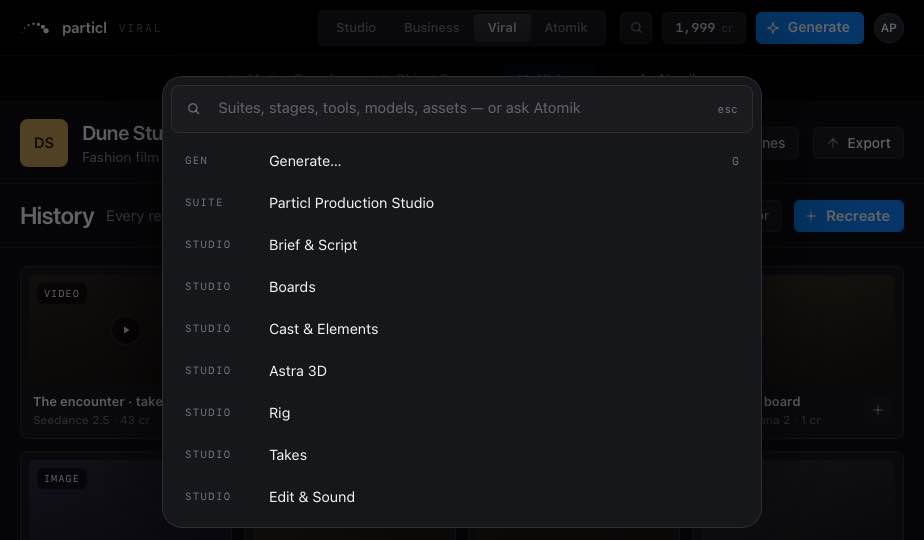
Generate, suites, every page, Workspace, models, assets and “Ask Atomik: …”. Enter runs the top hit.
On every stage. Every tile drags onto any reference well or Rig node. Download original is always the original bytes.
Controls, Inputs and Versions for whatever is selected: asset, take, run, node, item or stage.
Copy, cut, paste, duplicate, move to, retry, and a 20-deep undo.
One provider, chosen in Workspace › General. Never on raw: prompts.
The same room, one hand.
Home · Workflow · Canvas · Takes · Edit in a glass tab bar, stage sheets that pull up over the work. Every tap target is at least 44 px.
Credits, not seats.
1 credit = US$0.80. Plans differ on credits and features, never headcount.
Invite-only, built for small teams.
A stranger with an invite gets from email to first render in five minutes. Invites are one-time links, sent by a person.
Already invited? Sign in