Recast motion and swap elements in footage you own.
Take the motion from a source video and recast it with your own cast, location and product, or swap one element and leave the rest as filmed.
Every project is one board.
Studio, Ads and Social are boards. Make opens over any of them; Atomik sits beside.
The whole production on one canvas.
Brief · Looks · Storyboard · Shots · Cast · Cut · Deliver. Atomik plans each step and prices it; a person approves before anything is spent.
Start from a brief or a template: Film, Ad campaign, Social clips or a script. Your projects show what needs you.
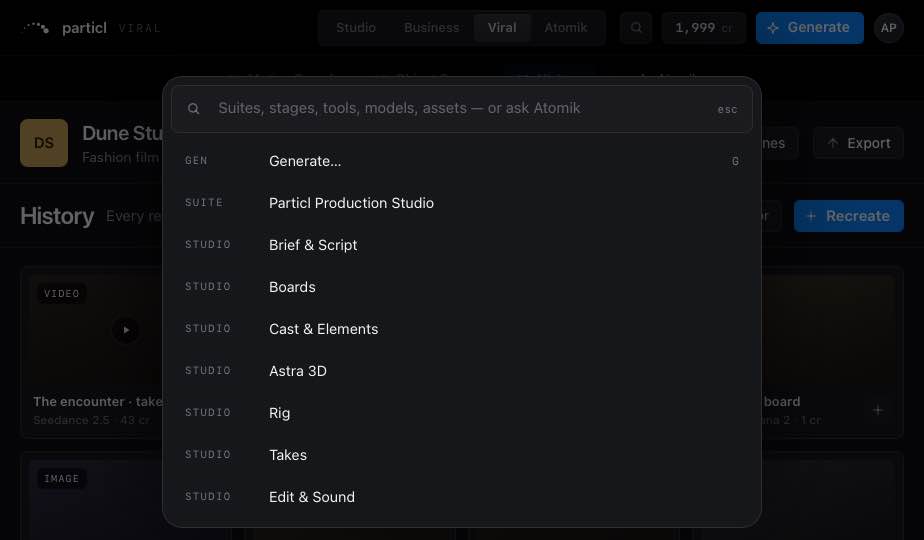
Go to any part of the board, open Make, or ask Atomik. Enter runs the top result.
Video, images and audio over any screen. The engine line shows the price before you press.
Every take and reference, ready to drag onto a shot. Download keeps the original file.
Copy, duplicate, use as reference, or recreate at its price. Delete has Undo.
Judge the work, one hand.
Home · Record · Make · Atomik in the tab bar. Approve a plan, review takes and ask for a fix. Every tap target is at least 44 px.
Pick a plan. Credits are the unit.
1 credit = US$0.10. One person pays a month for their credits; a team pays a seat a month, and the credits are pooled.
Invite only.
A stranger with an invite gets from email to first render in five minutes. Invites are one-time links, sent by a person.
Already invited? Sign in
Upload a video or use one made in Particl. The original is kept, and you can pull its start or end frame as a PNG.
Take the motion from a source video and recast it with your own cast, location and product. Anything you do not describe stays as filmed. Five directions to start from: Style, Wardrobe, Setting, Product, Recast.
A product, a garment, an object. Name what to replace; motion, lighting and framing stay as filmed.
Recreate a take with the same inputs, compare it with the original, send it to the edit or download it.